Curved text generator — draw a line, your words follow it
Slide your finger across a photo and your caption flows along the stroke — typewriter style, with emoji. Free, no sign-up.
Examples
See all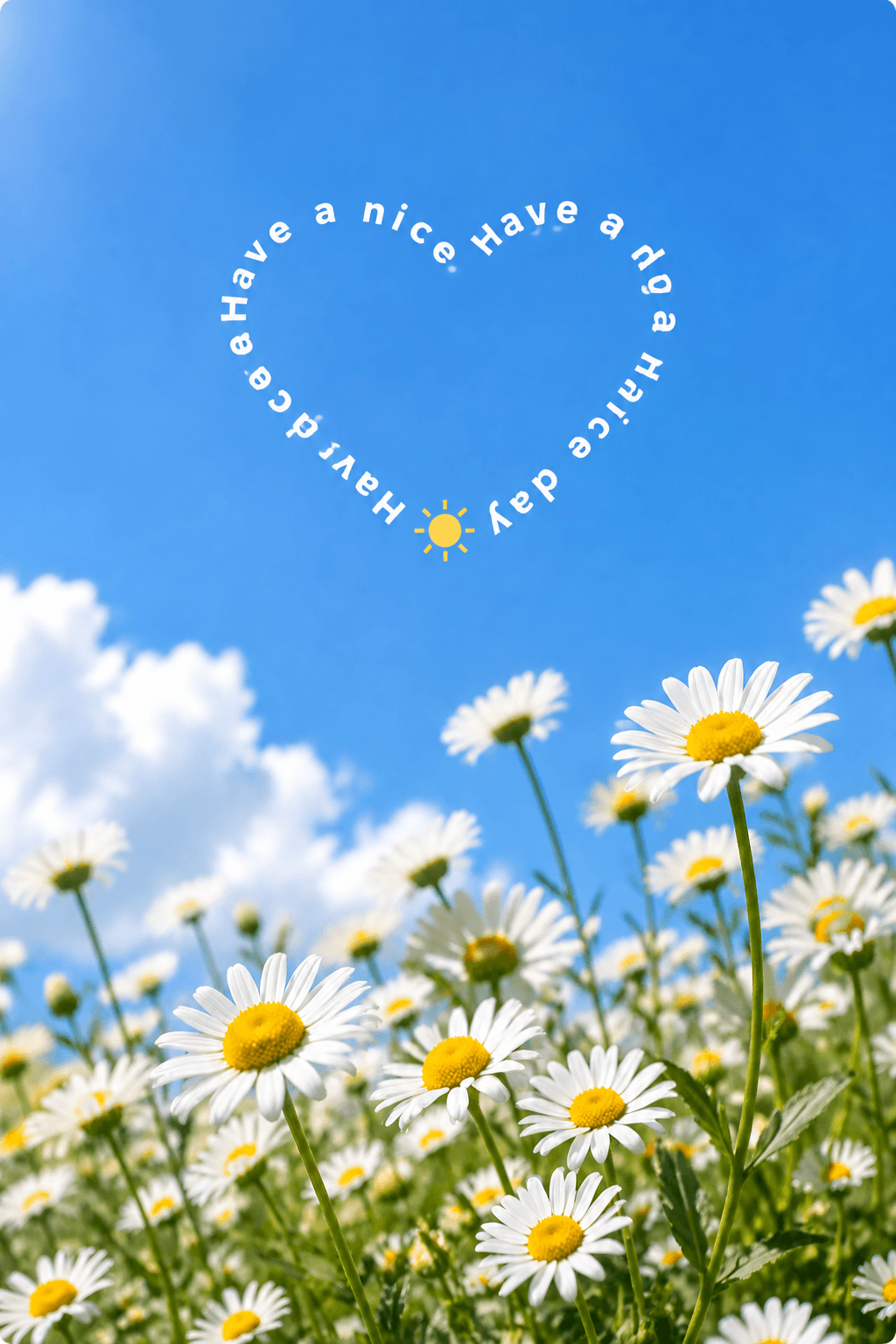


How it works
1.Add a photo
Pick a picture from your camera roll — or start on a soft gradient and add one later.
2.Draw a line
Slide your finger across the canvas in any curve. Your caption re-flows along it instantly.
3.Save & share
Export at full resolution — on phones the share sheet opens, so you can post it straight away.
FAQ
Is CurvedText really free?+
Yes — no sign-up, no watermark, no limits. It is a plain browser tool.
Do my photos get uploaded anywhere?+
No. Drawing, text layout and exporting all happen on your device. Nothing is sent to a server.
How do I save the picture on an iPhone?+
Tap Save and the iOS share sheet opens — choose “Save Image” (or share straight to Instagram). On desktop the JPEG downloads directly.
Can I change the text after drawing the line?+
Absolutely. Edit the caption, switch fonts, colors or spacing and the words re-flow along your line instantly. To move the line itself, just draw a new one.